
Every feature of the WhatsApp campaign desk, in full
YACO is WhatsApp campaign software that lives inside your WhatsApp Web: a bulk message sender, a built-in CRM, group tools and the safety systems that protect your number. Each feature below has its own complete page, with how it works, its benefits and its pricing.
Everything runs from your own WhatsApp number, inside WhatsApp Web in Chrome: no Business API approvals, no template approvals, no per-message charges, and no customer data sitting on our servers. Start with the Campaign Sender and the Sending Queue, and the rest of the desk — CRM, segments, follow-ups, reports — is already included in the same licence when you need it.
New here? Start with the WhatsApp bulk sender extension — what it is and how it installs.
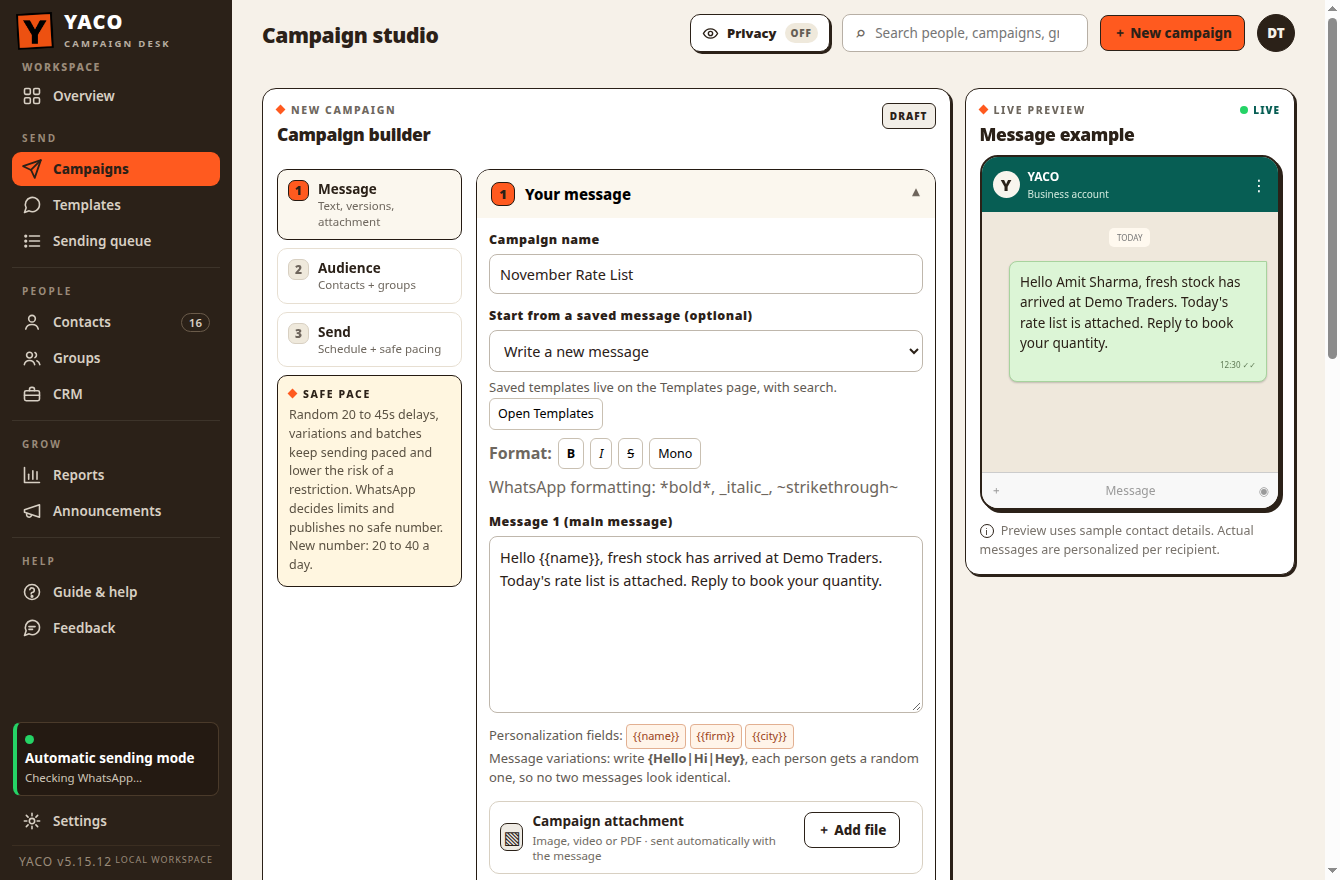
Campaign Sender
Personalised bulk campaigns from your own number, with media and message variations.
Explore the feature →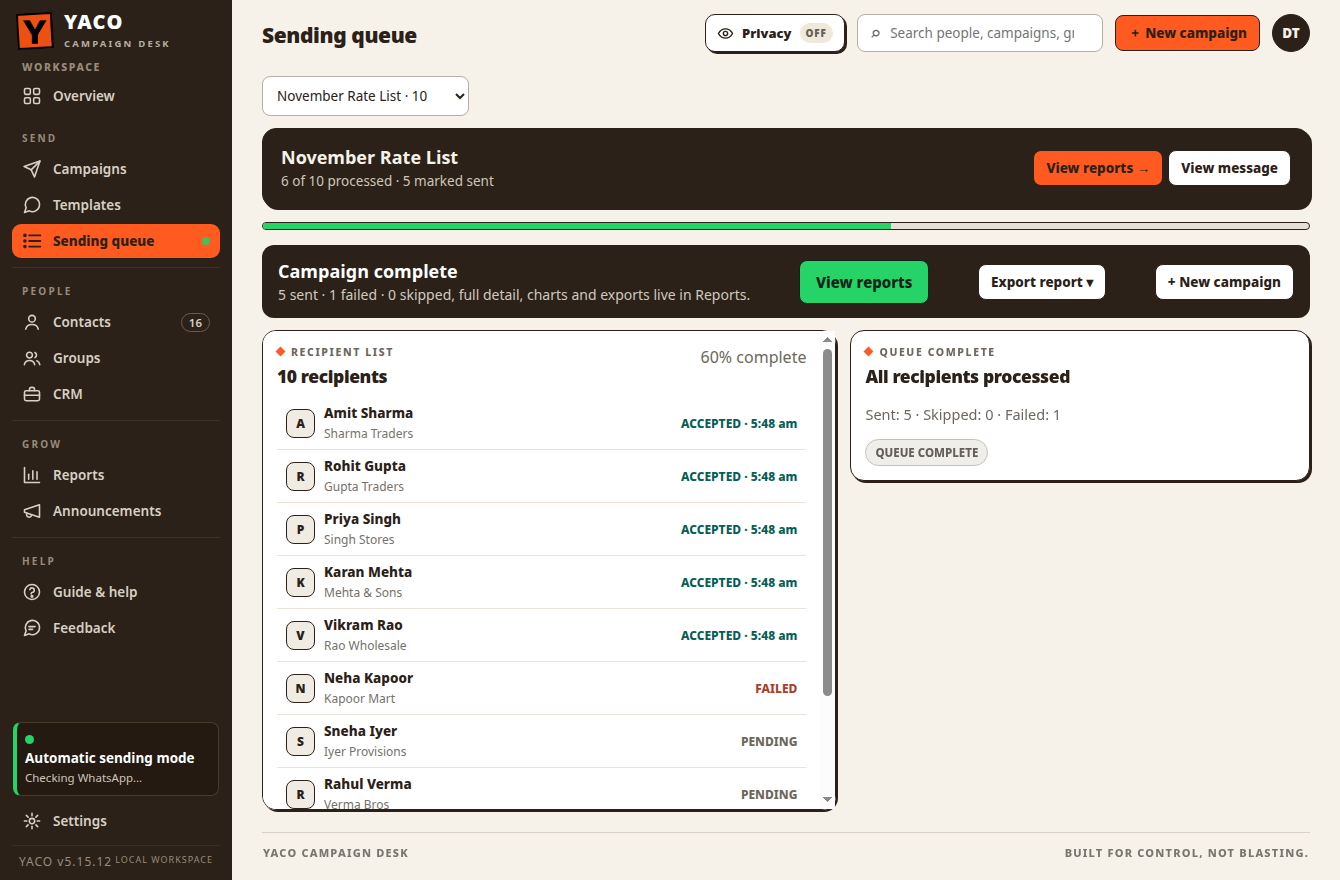
Sending Queue
Watch every campaign send live, with pause, resume and a status for every single message.
Explore the feature →Scheduler
Set a date and time, and your campaign sends itself, on your own WhatsApp number.
Explore the feature →Pre-Flight Checks
Automatic checks before every send: duplicates, missing media, empty audiences and clashes.
Explore the feature →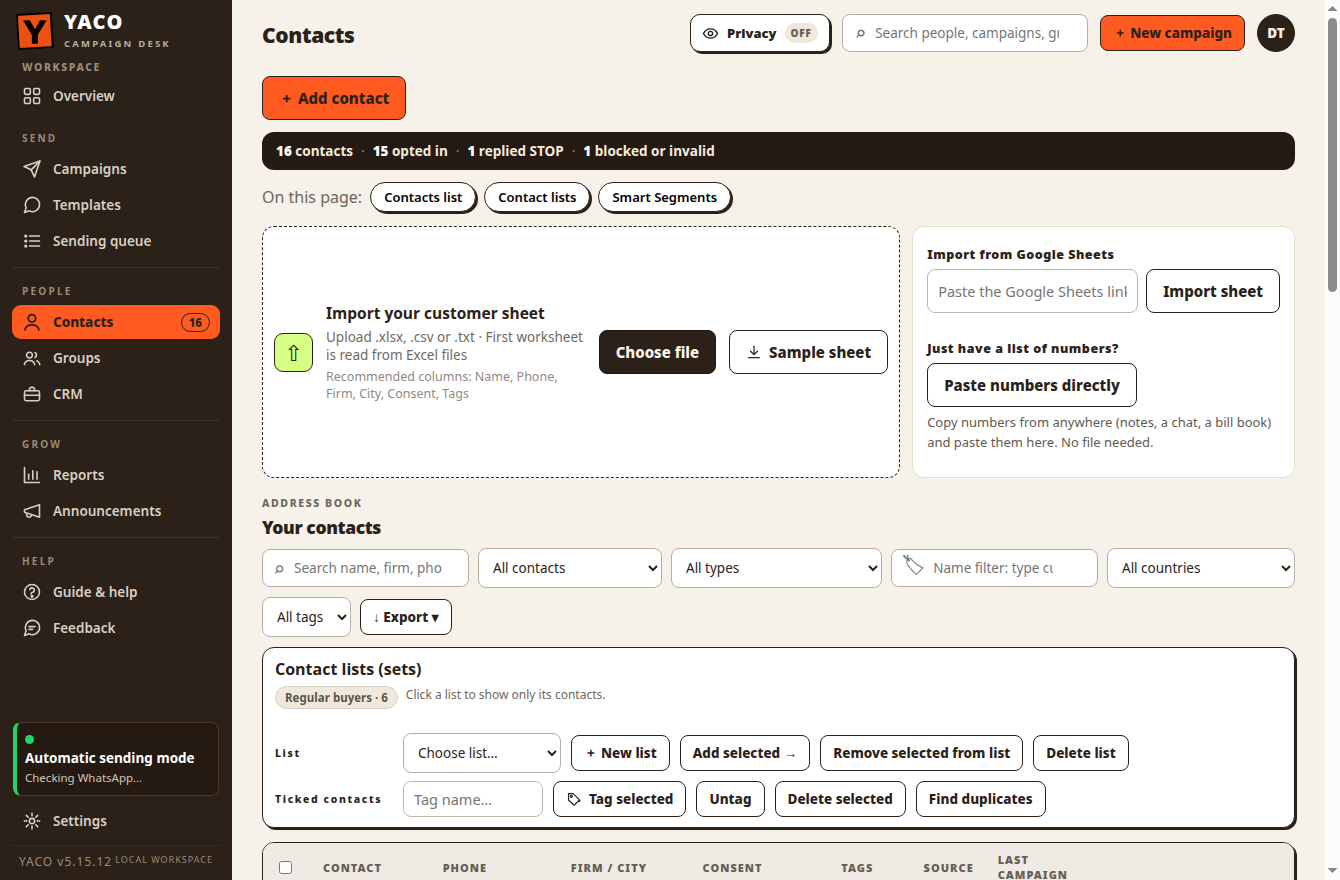
Contact Harvester and Import
Collect contacts from your WhatsApp chat list, or import from CSV, Excel and Google Sheets.
Explore the feature →Smart Segments
Rule-based audiences that update themselves: by city, firm, tag, stage, deal value and more.
Explore the feature →Group Campaigns and Extractor
Extract members from your WhatsApp groups into contacts, and campaign to groups directly.
Explore the feature →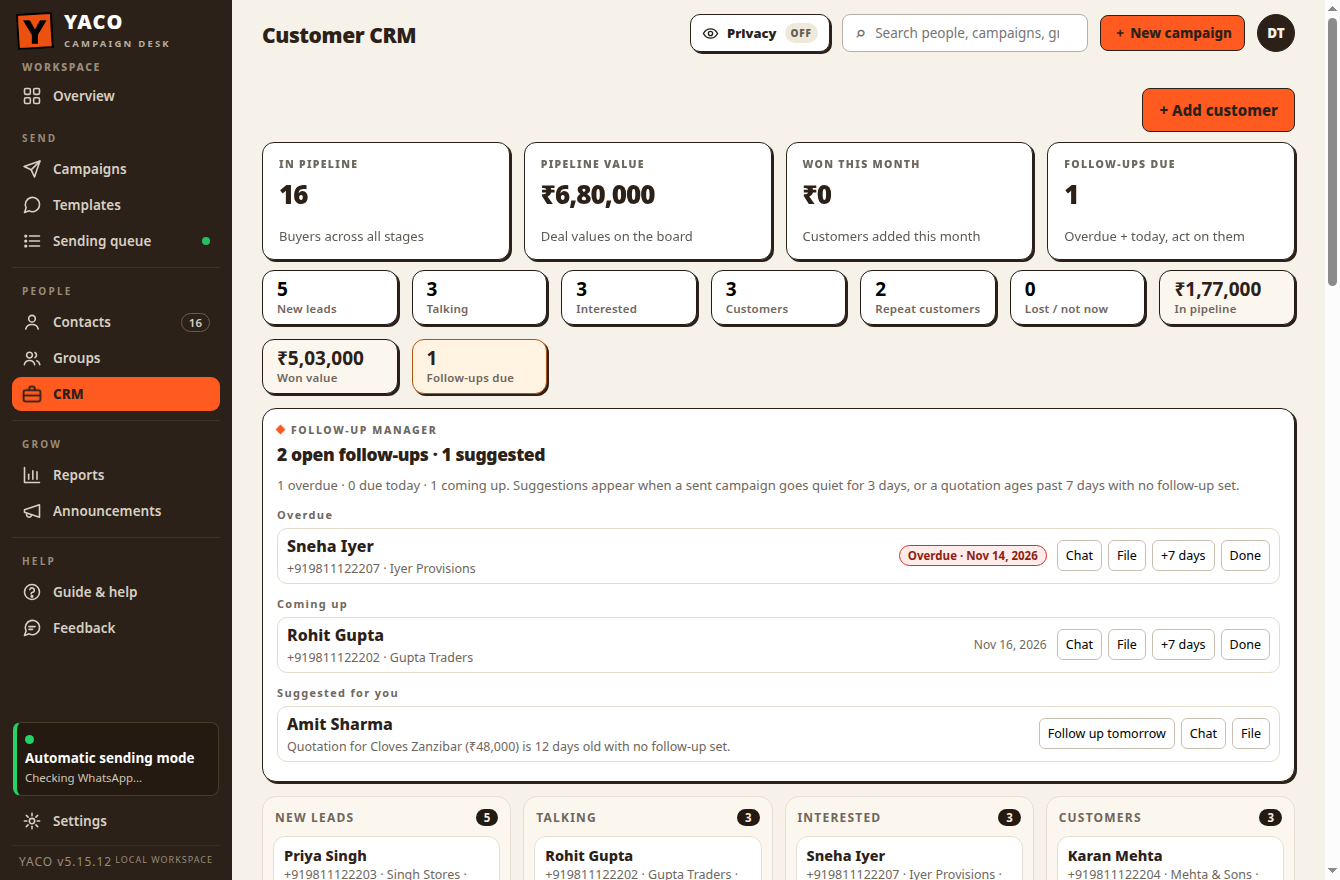
Built-in CRM
A full sales pipeline for your WhatsApp customers: six stages, deal values and history.
Explore the feature →Customer 360
One complete file per customer: summary, timeline, quotations and product interests.
Explore the feature →Follow-Up Manager
Every follow-up tracked: overdue, due today and coming up, plus smart suggestions.
Explore the feature →Automatic Opt-Outs
STOP replies are honoured instantly and forever: the contact is excluded from every send.
Explore the feature →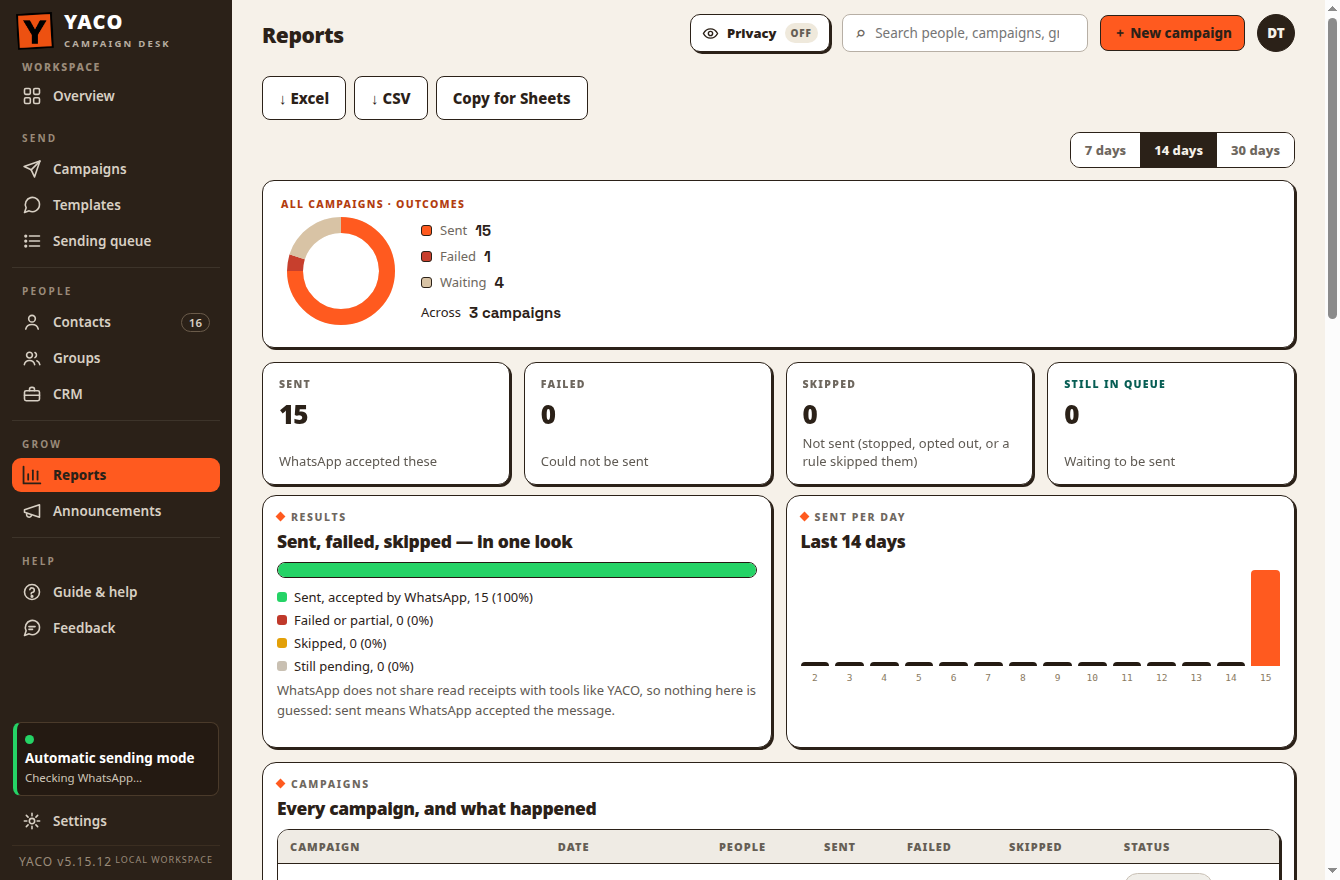
Reports and Analytics
See what your sending is doing: 14-day chart, accepted rate and your top campaigns.
Explore the feature →Privacy Mode
One click masks names, numbers and amounts everywhere, for demos, screenshots and shared screens.
Explore the feature →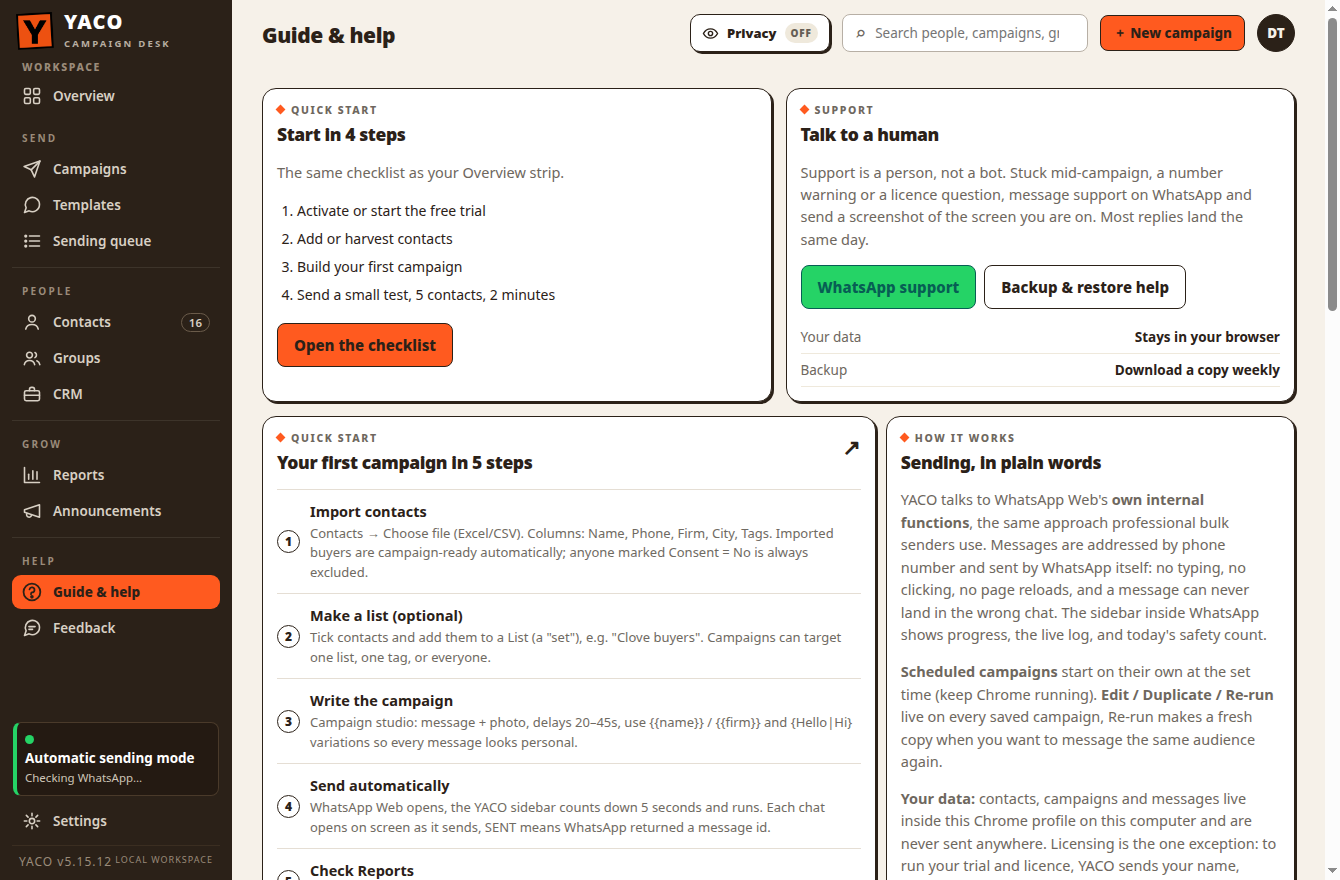
Backup and Restore
One backup file holds everything: contacts, campaigns, media and CRM. Restore it anywhere.
Explore the feature →System Diagnostics
A health centre for your sending setup: connection, licence, storage, media and scheduler.
Explore the feature →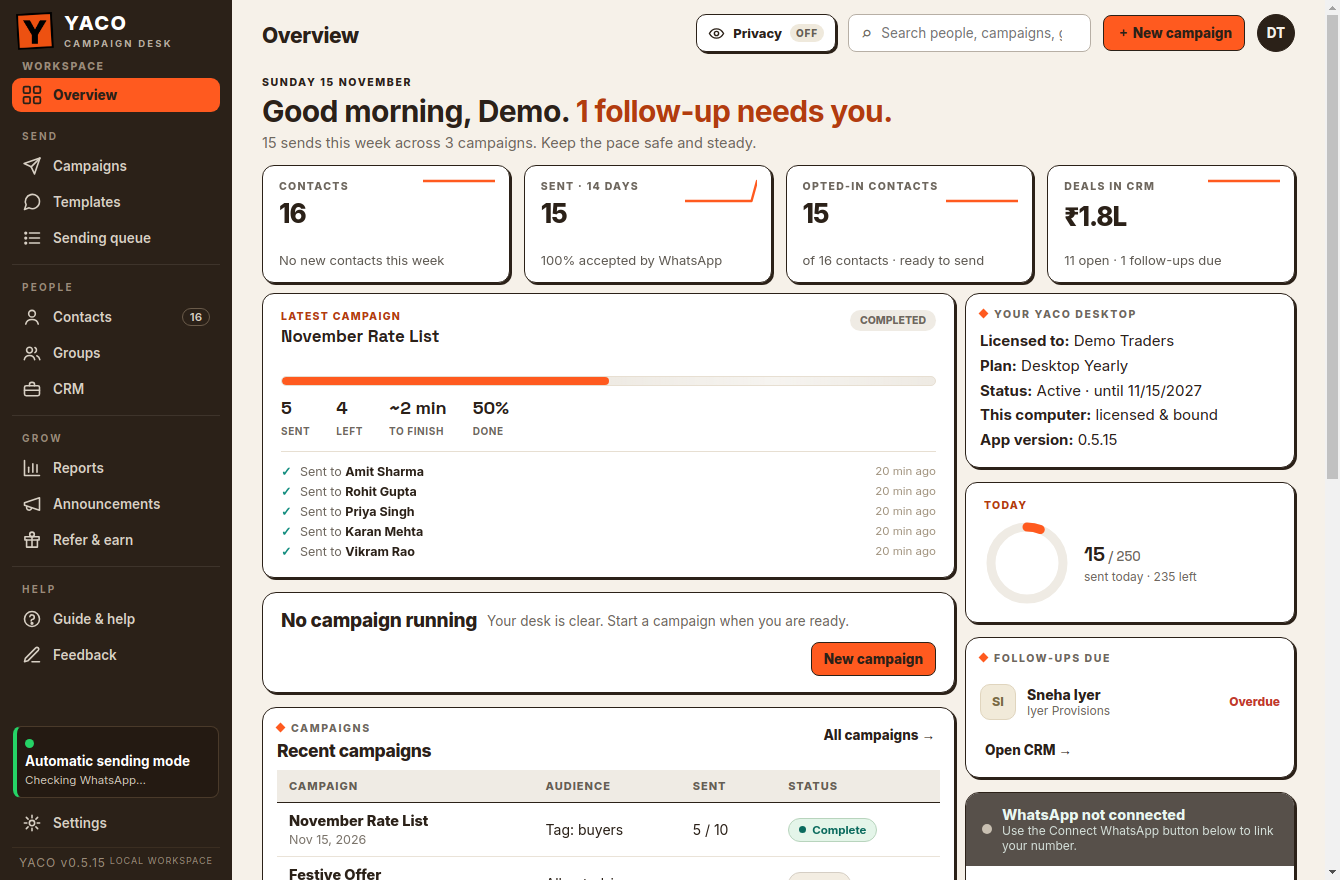
YACO Desktop — multi-number app
The separate Windows app: up to 5 WhatsApp numbers in one workspace, automatic rotation, one shared contact list. Its own licence and free trial.
See YACO Desktop →One workspace, from first list to repeat customer
Most WhatsApp tools do exactly one job, so a business ends up juggling a sender in one tab, a spreadsheet of numbers in another, and a CRM that never meets either of them. YACO is built as a single desk instead. The Contact Harvester and the file imports build your address book. Tags and Smart Segments shape that book into audiences. The Campaign Sender writes and personalises the message, Pre-Flight Checks catch the mistakes, and the Sending Queue sends with human-like pacing and a confirmed status for every recipient. Whatever happens next — a reply, a quotation, a follow-up date, a STOP — lands on the customer record in the CRM and their Customer 360 file, and Reports totals it all up.
The safety layer is part of the same desk, not an add-on. Automatic Opt-Outs honour a STOP reply the moment it arrives, even mid-campaign. Privacy Mode masks names, numbers and amounts when you demo or share your screen. Backup and Restore keeps your entire workspace in one file that you own, and System Diagnostics tells you in plain words what is wrong when something feels off. Fifteen features, one licence, one number: yours.
Prefer one app for up to 5 numbers?
YACO Desktop is the Windows app edition of this same desk: up to 5 WhatsApp numbers signed in at once, automatic rotation between them, and one shared contact list, CRM and campaign history. It carries its own licence and its own free trial.
Start free. Upgrade when it pays for itself.
The Starter Pass unlocks everything: no daily limit, no harvester cap, scheduling and Sheets import included. Run your real campaigns for 7 days, then decide.
- 50 messages a day
- Harvester: up to 100 chats
- 2 message blocks per campaign
- HD media up to 100 MB
- Free setup help on WhatsApp
- All features unlocked
- 1 device
- Free updates
- WhatsApp support
- All features unlocked
- 1 device
- Free updates
- Priority WhatsApp support
How buying works: tap a plan, pay securely online via Cashfree (UPI, card or netbanking), and your licence key and download arrive on the very next page, automatically. Prefer a human? WhatsApp us and we will set everything up personally, free. No lock-in: monthly cancels anytime, and every plan can start with the free trial if you want it to.
Start your free trial in 30 seconds
Tell us your name and WhatsApp number, that is all we need. Choose the Chrome Extension or the Desktop app in the form below, and your own copy of YACO is ready on the very next screen: download it, install it in 2 minutes with the step-by-step guide, and your 1-day trial starts inside YACO. No card, no spam, ever.
Features questions, answered
Are all 15 features included in one YACO licence?
Yes. The campaign sender, sending queue, scheduler, pre-flight checks, contact harvester, smart segments, group tools, CRM, Customer 360, follow-up manager, automatic opt-outs, reports, privacy mode, backup and system diagnostics are one product with one licence. There are no feature tiers and no per-message fees.
Do I need the WhatsApp Business API, or a new number?
No. YACO is a Chrome extension that works inside your WhatsApp Web and sends from your own WhatsApp number, the one your customers already know. There are no API approvals, no template approvals and no per-message API charges.
What is the difference between the Chrome extension and YACO Desktop?
It is the same desk in two editions. The extension lives in Chrome, beside WhatsApp Web, and runs one number. YACO Desktop is a separate Windows app that runs up to 5 WhatsApp numbers in one workspace, with automatic rotation and one shared contact list, CRM and campaign history. Desktop has its own licence, its own prices and its own free trial.
Where does my customer data live?
On your own computer. Contacts, campaigns, CRM records and media are stored locally, in your browser profile; YACO servers hold only licensing and payment records. Backup and Restore packs your whole desk into one file that you keep, and restores it on any machine.
How much does YACO cost after the free trial?
The extension is ₹499 a month or ₹3,999 a year, and every plan can start with the free 1-day trial, no card needed. YACO Desktop is priced separately on the Desktop page.
Your next campaign could be running today.
Your own YACO copy is 30 seconds away: download it here, install it in 2 minutes, and your free trial starts.